Paste, choose, save
Copy a video link, paste it into the app, select the quality, and start downloading.
 V Downloader
Android video utility
Save publicly accessible videos, choose the quality that fits, and keep a clean offline library ready when the connection drops.
Built for simple saves
Copy a video link, paste it into the app, select the quality, and start downloading.
Saved videos stay on your device so you can watch them without buffering or mobile data.
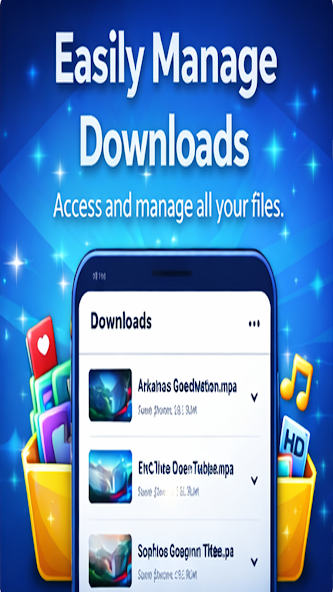
Keep downloads organized, review saved files, and remove anything you no longer need.
Workflow
Video Downloader-All Player keeps the path short, visible, and familiar: copy, paste, pick a quality, then watch offline.
Start from publicly accessible video content you have permission to save.
Use the clean input flow to prepare the download.
Choose the resolution that works for your device and source.
Open your saved library whenever you want, even without a connection.
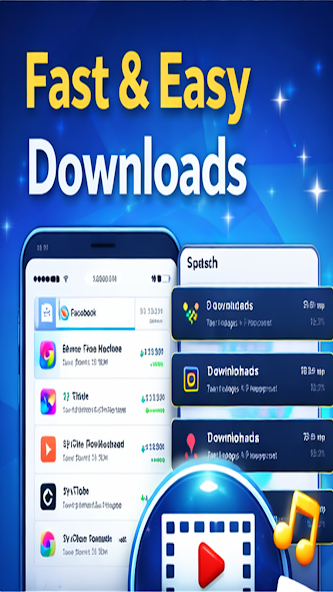
App views


Trust center
Video Downloader-All Player is intended for publicly accessible content. Respect copyright, platform rules, and content owner rights.
Support
Send the app name, device model, Android version, app version, and the issue you are seeing.